

How to Use TradingView Charts for Binary Trading
📊 Learn to use TradingView charts for smarter binary trading in Kenya. Explore indicators, strategies, and risk tips for confident market moves! 💹
Edited By
Liam Foster
TradingView charts have become indispensable for many Kenyan investors aiming to make smarter investment decisions. These charts are more than just colourful lines; they provide real-time insights into market movements, allowing traders and analysts to spot trends and act quickly. Whether you are tracking equities on the Nairobi Securities Exchange (NSE) or monitoring forex pairs like USD/KES, TradingView offers tools to make your analysis sharp and relevant.
Getting started with TradingView is straightforward but understanding its key features can take your trading to the next level. The platform provides various chart types — candlestick, line, bar, and more — each suited for different strategies. For example, candlestick charts are popular for spotting price reversals or continuation patterns, which is vital when timing market entries or exits.
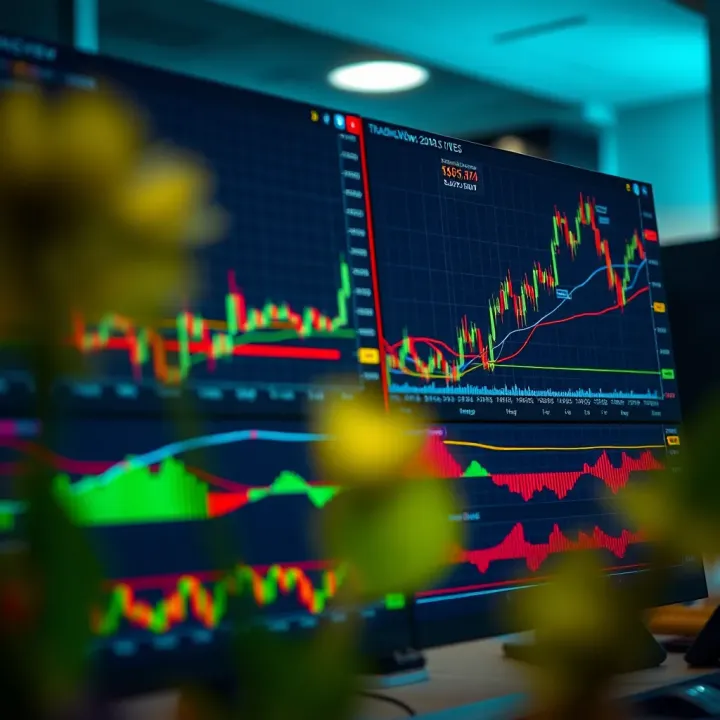
Customising your chart view to focus on assets relevant to the Kenyan market is essential. You can save different setups, adjust timeframes from minutes to months, and compare multiple assets side-by-side. For instance, comparing Safaricom’s stock with the Kenyan shilling against the dollar can illuminate correlation patterns useful for diversified portfolios.
Using built-in technical indicators like the Moving Average Convergence Divergence (MACD) or Relative Strength Index (RSI) helps identify momentum shifts, which are priceless when working with volatile markets like NSE or forex.
You should also explore TradingView’s alert function. Setting price alerts via SMS or email means you won’t miss out on crucial market moves even when you’re away from your screen. Considering Nairobi’s busy schedules and frequent power issues, having this feature is especially practical.
To sum up, TradingView charts offer a rich toolkit for Kenyan investors, blending ease of use with powerful analysis options. By mastering chart types, custom views, and indicators, plus using alerts strategically, you can make investment choices with confidence and timeliness, boosting your chances of growing your KSh portfolio effectively.
TradingView is a popular platform among traders and investors for its wide range of charting tools and market data access. Understanding its interface is key to making smarter investment decisions. This section breaks down what TradingView offers and how you can navigate its charts to get valuable insights.
TradingView provides live market data, charting tools, and social networking all in one place. It covers stocks, forex, cryptocurrencies, commodities, and more. For a Kenyan trader who mostly deals with NSE stocks or forex pairs like USD/KES, TradingView offers real-time price updates and detailed chart analysis beyond what basic broker platforms provide.
Accessibility is another plus. Traders in Kenya can use TradingView right from their mobile devices or computers without needing expensive software. This ease of access means you can check market movements anytime, whether you’re at the shamba or in the city.
Compared to basic brokerage charts, TradingView comes with multiple functionalities. It offers more advanced chart types, technical indicators, and drawing tools, which help in spotting patterns or signals that could influence your buy or sell decisions. For example, you can customise moving averages or plot support and resistance lines that aren’t always available on a broker’s platform.
A TradingView chart mainly consists of the price graph, time scales along the bottom, and volume bars beneath the price. This layout helps you see price movements alongside trading volume, a key indicator of strength or weakness in a trend.
Timeframes let you toggle between viewing data in minutes, hours, days or weeks. For a Kenyan trader focusing on short-term forex trades, shifting a chart from a daily to a 15-minute timeframe offers a closer look at intraday moves. Zoom features enable quick scaling to get an overview or drill down to specific price action.
The toolbar usually sits at the top or side of the chart window and gives access to drawing tools like trendlines, Fibonacci retracements, and technical indicators. Navigation buttons allow you to scroll through historical data or jump to the latest prices easily. Using these tools efficiently means you can tag key price levels and prepare better entry or exit points.
Mastering TradingView’s charting interface lets you tailor your analysis and stay ahead of market moves, a real benefit for traders dealing in volatile assets or seeking to time their trades precisely.
Customising charts on TradingView is key to making sense of complex market data. Different traders have varied strategies and risk appetites, so adjusting charts helps align the visuals with personal trading styles. A well-configured chart simplifies spotting trends, entry points, and potential reversals, giving you an edge in the fast-moving markets.

TradingView offers several chart types, primarily candle, bar, and line charts, each offering unique insights. Candlestick charts show the open, high, low, and close prices within a set timeframe; they’re great for spotting patterns like engulfing candles or doji formations, which signal potential market turning points. Bar charts provide similar data points but with less visual emphasis on the body of the price action, often preferred by traders who want focus on price range and volatility. Line charts connect closing prices over time, removing the noise and making it easier to identify long-term trends.
To pick the right chart type, consider your trading horizon and goals. For example, day traders often rely on candlestick charts because they reveal detailed price behaviour within short intervals. On the other hand, position traders watching weekly or monthly charts may find line charts sufficient to highlight the bigger picture without distractions. Bar charts suit those who want a blend of detail and clarity, useful in spotting support and resistance zones.
Changing colour schemes and backgrounds lets you reduce eye strain and highlight key price actions. Dark backgrounds with bright candles often help traders stay focused during long sessions, especially when using multiple monitors. Conversely, light backgrounds might suit those working in well-lit environments. Customisable colours also allow marking bullish and bearish candles in ways that are visually meaningful to you.
Using multiple charts on one screen helps you compare different assets or timeframes simultaneously. For instance, you can monitor the NSE 20 index on one panel while tracking KCB Bank shares on another. This side-by-side view is particularly handy during volatile sessions, enabling quicker decisions without losing context.
Saving and loading chart layouts prevents you from repeating the setup every time you log in. If you trade both forex and Kenyan stocks, you might save separate layouts tailored to each market’s data and indicators. This function saves time and keeps your workflow organised, especially on busy trading days.
Customising your TradingView charts sharpens your market reading skills and streamlines your trading process. The right visual setup can be the difference between spotting opportunities early or missing them entirely.
Technical indicators help traders make sense of price movements by turning raw data into visual signals. On TradingView, they are essential tools for Kenyan investors who want clear insights without relying purely on guesswork. These indicators highlight trends, momentum, and volatility, making it easier to identify potential entry or exit points in the market.
Moving averages smooth out price data, revealing the overall direction of an asset. For instance, a 50-day moving average calculates the average closing price over the last 50 days and helps spot whether a share is trending upwards or downwards. Many local traders use the 50-day or 200-day moving averages to determine the market trend and whether to hold or sell.
The Relative Strength Index (RSI) measures momentum on a scale from 0 to 100. An RSI above 70 usually means an asset is overbought—potentially due for a price drop—while below 30 suggests it’s oversold and might bounce back. For example, if Safaricom shares show an RSI of 75, a trader might think twice about buying more at that moment.
Bollinger Bands consist of three lines: a middle simple moving average, and upper and lower bands set typically two standard deviations away. When the price hits these bands, it signals high or low volatility. Kenyan traders watching stocks listed on the Nairobi Securities Exchange (NSE) can use Bollinger Bands to see if prices are stretched unusually high or low, possibly indicating a reversal.
MACD (Moving Average Convergence Divergence) shows the relationship between two moving averages, highlighting momentum shifts. It’s useful for confirming trends or spotting early buy/sell signals. For example, when the MACD line crosses above the signal line on a banking stock chart, it suggests a buying opportunity.
Volume analysis gives clues about the strength behind price moves. Indicators like On-Balance Volume (OBV) accumulate volume data to show if buying or selling pressure dominates. When price and volume move in opposite directions, it could warn of a false breakout.
For the Kenyan market, where liquidity might sometimes be low, volume indicators help confirm whether moves in NSE stocks or forex pairs are backed by genuine traders or just occasional spikes.
On TradingView, adding indicators is straightforward. Simply click the “Indicators” button at the top of the chart window. This opens a vast list sorted by popularity and categories, including community scripts that other traders share. This makes it easy for a Kenyan trader to quickly add tools like Moving Averages or RSI without the need for complicated setups.
Most indicators come with default settings, but adjusting periods can fit your trading style or asset. For example, you might change an RSI period from the standard 14 days to something shorter if you’re day trading Kenyan stocks or forex pairs for quicker signals. Customising lets you balance between responsiveness and noise, helping avoid rash decisions based on temporary blips.
Using several indicators together can give a fuller market picture. For instance, combining moving averages with RSI and volume-based indicators can confirm signals or spot mismatches. It’s often better to look for agreement among tools rather than rely on one alone. This layered approach improves the chances of making informed trades rather than guessing.
Using multiple indicators wisely helps refine your trading edge. Remember, no single tool guarantees success but proper combination reduces risks.
By mastering how to add and tweak indicators on TradingView, Kenyan traders can better interpret markets and improve their investment decisions with more confidence and clarity.
Using TradingView charts alone won’t guarantee success, but practical techniques can greatly improve your trading decisions. This section highlights actionable tips that help you stay alert to market changes, integrate TradingView with your daily trading tools, and avoid common pitfalls. These pointers are especially useful for Kenyan investors who want to make sharp moves without being overwhelmed by chart data.
One of TradingView's best features is its ability to create price alerts. Setting these alerts means you don’t have to stare at charts all day waiting for a specific price point. For example, if you’re tracking Safaricom shares and want to buy when the price dips to KSh 30, you can set an alert to notify you instantly. This saves time and ensures you don’t miss trading opportunities due to distractions.
TradingView also lets you set alerts for market news and events relevant to your investments. You might want to be notified when a central bank decision impacts the Kenyan shilling or an EAC trade policy update affects stocks you follow. These alerts help you respond to news-driven price movements quickly, which is crucial since many market swings happen fast.
TradingView supports linking your account to local brokers, making it easier to execute trades based on your technical analysis. For Kenyan traders using platforms like Nairobi Securities Exchange (NSE) brokers, this means less switching between tabs. You can analyse charts on TradingView and place orders directly through the connected broker interface, reducing lag and errors that cost you money.
Additionally, using TradingView alongside M-Pesa payments simplifies funding your trading accounts. For instance, some brokers accept deposits via Lipa Na M-Pesa or Paybill numbers. Having a smooth payment process aligned with your charting setup means you can act decisively without payment delays. This also supports smaller traders who rely on mobile money for flexibility.
Relying solely on one indicator can mislead your decisions. Take the Relative Strength Index (RSI), which shows whether an asset is overbought or oversold; if used alone, you might enter trades prematurely or too late. Combining RSI with moving averages or volume data offers a clearer picture. Kenyan traders have found that layering indicators carefully, rather than stacking too many, leads to better timing.
Ignoring trading volume and the wider market context is another trap. Volume confirms how strong a move is — price going up on low volume might reflect weak interest. Also, political situations such as election seasons or weather patterns affecting agriculture stocks can alter market behaviour. Always check volume alongside price charts and consider local events influencing the market before making trades.
Smart use of alerts, local broker integration, and balanced chart reading help Kenyan investors turn TradingView analysis into real gains without getting stuck in common errors.
📊 Learn to use TradingView charts for smarter binary trading in Kenya. Explore indicators, strategies, and risk tips for confident market moves! 💹
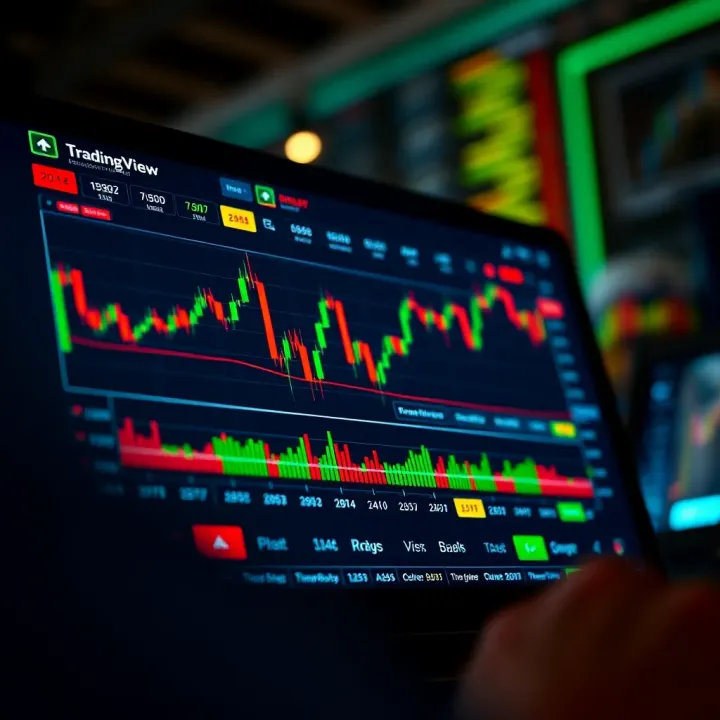
📊 Discover how TradingView aids binary options traders with clear charts, smart tools, and practical strategies to improve your market analysis and trading success in Kenya.
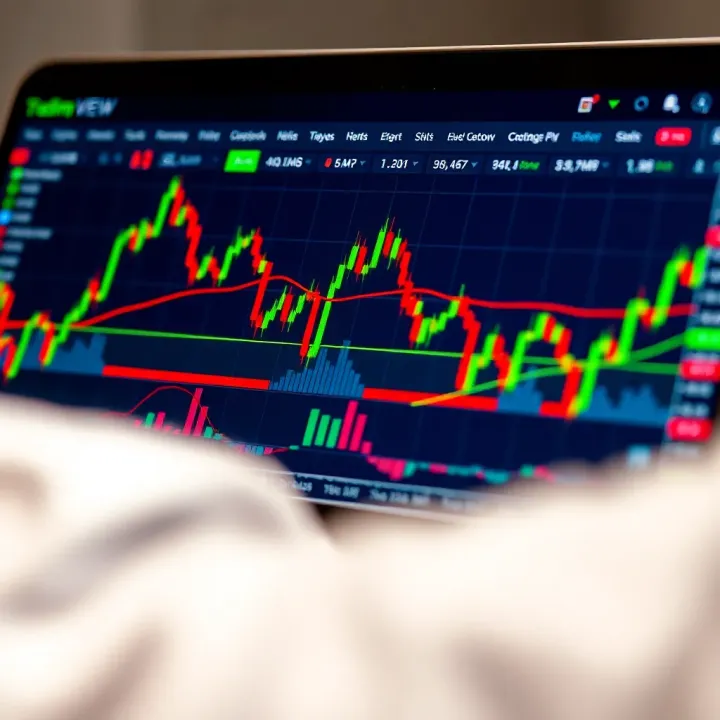
📈 Discover how Kenyan traders can set up TradingView and integrate it with Deriv for sharper chart analysis, better technical tools, and improved trading results locally.

📈 Discover how to maximize Deriv TradingView for smarter trading decisions. Tips & strategies tailored for traders in Kenya to boost market analysis skills.
Based on 6 reviews