
How to Use a Deriv Account: A Guide for Kenyan Traders
📈 Learn how Kenyan traders can open and use a Deriv account step-by-step. Explore types, funding options, trading tools, and stay secure while following local rules.
Edited By
James Carter
Accessing your account on www.deriv.com from Kenya is straightforward once you know the steps. This guide helps you sign in smoothly, manage your account securely, and navigate the platform effectively. Whether you’re a trader, investor, or working in finance, understanding these basics saves time and avoids hassles.
Start by opening the Deriv website on your browser. Make sure your internet connection is stable to prevent timeouts during login. Enter your registered email address and password in the designated fields. If you’ve forgotten your password, there’s a clear 'Forgot Password?' option to reset it using your email.

Security matters a lot on trading platforms like Deriv. Use a strong password that combines letters, numbers, and symbols. Avoid common words or easy-to-guess details like birthdays. Consider changing your password regularly, especially if you access your account from public or shared devices.
Deriv supports two-factor authentication (2FA), which adds an extra layer of protection. Once you enable 2FA, you’ll receive a verification code on your mobile or authenticator app each time you log in. This step is especially useful to safeguard your funds and personal data against unauthorised access.
Remember: Never share your login details or verification codes with anyone. Deriv representatives will never ask for your password.
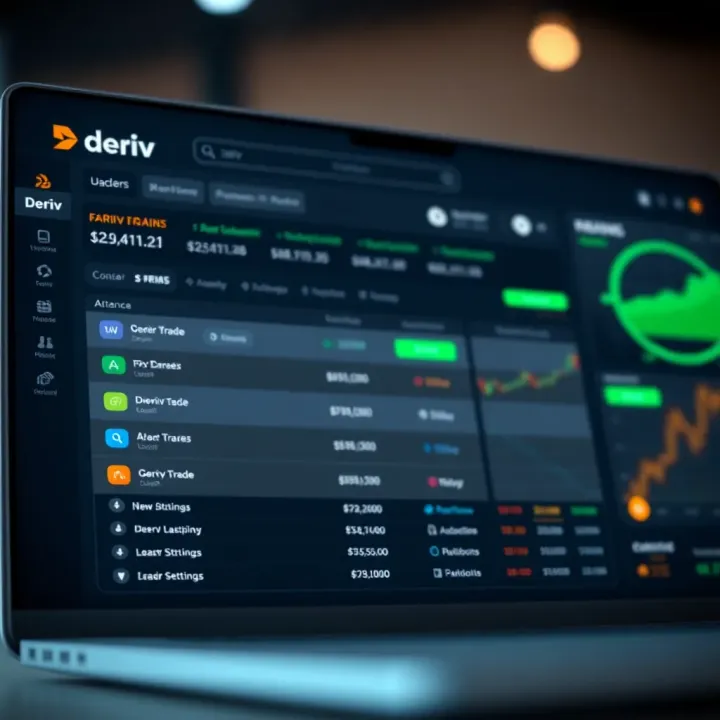
After signing in, you land on the user dashboard. This central hub displays your account summary, including balances, transaction history, and current trades. The dashboard also provides quick access to deposit and withdrawal options, vital for managing your investments.
Navigating the dashboard is designed to be intuitive. Menus are arranged so you can monitor open positions, view market charts, or access training resources without struggling. For Kenyan users, payment options like M-Pesa integration make depositing funds faster and convenient.
If you face login issues, check common troubleshooting steps:
Verify your internet connection
Clear browser cache and cookies
Ensure you use the correct email and password
Disable VPNs or proxies that might block access
Should problems persist, contact Deriv’s support team via their live chat or email. They offer assistance tailored to your region, including Kenya, and can help resolve account access problems promptly.
By following these straightforward steps and tips, signing into your Deriv account becomes hassle-free, putting you in control of your trading activities from Kenya with confidence and security.
Accessing the Deriv sign in page is the first and crucial step for anyone looking to trade or manage investments on the platform. You need to get this right to ensure your account details remain secure and that you reach the genuine Deriv site rather than falling prey to phishing scams. For Kenyan traders and investors, having quick and safe access to the official sign in page means you can respond promptly to market movements and manage your trades without unnecessary delays.
Using the main website navigation: The safest way to sign in is through the official Deriv website’s main navigation menu. On the homepage, you’ll typically find a 'Sign In' button clearly marked at the top right corner. Clicking this takes you directly to the secure login interface. This method avoids the risk of mistyping URLs or clicking unreliable links you may receive elsewhere. Kenyan users should check that the website’s address starts with "https" to confirm it is encrypted and secure.
Bookmarking for quicker access: Once you have safely navigated to the sign in page, bookmarking it on your preferred browser is a smart move. This saves you from repeatedly typing the URL or searching through search engines, which might lead to fraudulent sites. For example, if you use Google Chrome or Firefox on your desktop or mobile, simply tap the star icon or menu option to save the page. Next time you want to trade, you just open the bookmark and jump straight to the platform.
Signing in on a web browser: You can access Deriv through any modern web browser like Chrome, Firefox, or Safari on your desktop or mobile device. The web browser sign in is straightforward – just key in your username and password on the official page bookmarked earlier. This approach suits traders who prefer working on a larger screen or who may not want to download extra apps. It also works well when using public or shared computers, where downloading the app might not be possible.
Using the Deriv mobile app: For those who trade on the go, the Deriv mobile app offers a convenient alternative. Available on Android and iOS, the app provides a streamlined experience designed for smaller screens. You can sign in quickly using saved credentials or biometric options if your phone supports them. Moreover, the app includes handy notifications for market news and trade alerts, which can be critical for active investors managing portfolios across different Kenyan time zones.
Quick access and secure logins are key when trading with Deriv. Always use official routes and consider bookmarking or installing the mobile app to make signing in faster and safer.
Following these steps ensures you maintain secure and efficient access to your Deriv account, positioning you well for smooth trading experiences from Kenya or anywhere else.

Signing in to your Deriv account correctly is vital for seamless access to your trading portfolio and financial tools. Without entering your details properly and managing the security steps diligently, you risk delays or even loss of access to your account. This step-by-step guide walks you through the login process, helping you avoid common pitfalls that could disrupt your trading activities.
Your username or email address serves as your unique identifier on Deriv. It's important to enter this information exactly as you registered, paying attention to spelling and any special characters. For example, if your email is john.doe@example.com, typing johndoe@example.com without the dot will cause login failure. If you chose a username, remember that these are case-sensitive. This means 'TraderKen' is different from 'traderken'. Keeping track of your exact login name prevents unnecessary lockouts.
Passwords come with their own set of requirements on Deriv to protect your account. Usually, your password must include a mix of uppercase and lowercase letters, numbers, and sometimes special characters like# or @. Avoid simple passwords like "password123" or birthdays that others might guess. A strong password not only keeps your funds secure but also helps you avoid frequent resets. Common errors include accidentally leaving Caps Lock on or typing on the wrong keyboard layout. Double-check your password if the login fails before trying a reset.
Two-factor authentication (2FA) adds an extra layer of defence beyond just your password. Setting it up means you will need a second form of verification each time you log in, making it much harder for unauthorised users to access your account. You can enable 2FA from your Deriv account settings, where you’ll be guided on linking your phone or authentication app with your account.
Deriv supports authentication through either apps like Google Authenticator or receiving codes via SMS on your mobile. The app method generates a rotating code that refreshes every 30 seconds, so you don't need mobile network access at login. SMS codes come through as text messages, which can be convenient but depend on good network coverage. Either way, these codes add an important security check. Just remember to keep your phone safe and avoid sharing these codes, as losing control of your authentication device can complicate access.
Take these sign-in steps seriously; your account’s security hinges on both correctly entering credentials and enabling two-factor authentication.
By following these simple but important processes, you protect yourself from common login issues and threats, ensuring continuous smooth trading on www.deriv.com.
Securing your Deriv account is not just about protecting your money — it's about safeguarding your personal information and trading activity. A compromised account can lead to unauthorised trades or even theft of funds. That's why managing your account security and knowing how to recover your password if you forget it is vital. Taking simple steps can save you a lot of headaches later on.
Choosing a strong password is your first line of defence. A good password mixes uppercase and lowercase letters, numbers, and symbols. Avoid using easy-to-guess details like your name, birthdate, or phone number. For instance, instead of "deriv123", a password like "T@radeR2024!" is safer and harder to crack. Consider using a password manager to remember complex passwords so you don’t have to write them down or reuse the same one across multiple accounts.
Recognising phishing attempts helps you stay alert to scams trying to steal your login details. Phishing emails often look real, maybe pretending to be from Deriv or a financial regulator, but they usually contain suspicious links or ask for your credentials directly. For example, a message saying "Click this link to verify your account immediately or it will be suspended" is a common trick. Always check the sender’s email, look for spelling errors, and never enter your password on sites opened through an email link. Instead, type www.deriv.com directly into your browser.
If you forget your Deriv account password, you can request a password reset link easily. On the sign-in page, click on "Forgot password?" and enter the email you used to register. Deriv will send a time-sensitive link to that email, allowing you to create a new password. This process ensures that only you, with access to your email, can reset the password.
Verifying your identity during recovery might require additional steps, especially if the system detects unusual activity. You may need to provide identification documents or answer security questions. This helps prevent fraud, making sure that someone else cannot take over your account by merely having access to your email. In some cases, two-factor authentication (2FA) codes sent to your mobile can also be part of the verification. Always keep your recovery contacts and documentation up to date to avoid delays.
Regularly reviewing your security settings and keeping your recovery options current is the best way to maintain uninterrupted access to your Deriv account.
Taking these security measures seriously ensures your trading experience remains smooth and protected from common cyber threats.
Once you’ve signed in to your Deriv account, the dashboard serves as your command centre for managing trades, funds, and account settings. It’s where you get a snapshot of your financial status and can act swiftly on market movements. Knowing how to navigate this area can save you time and help you make informed trading decisions.
Checking your account balance and funds is one of the first things to do once logged in. The dashboard displays your available funds clearly, usually presented in your preferred currency like Kenyan Shillings (KSh) or US Dollars. This live balance ensures you don’t start trading without confirming you have enough capital. For example, if you plan to open a position on currency pairs or commodities, you can quickly see if your wallet can cover margin requirements and trading fees.
The dashboard also shows recent deposits or withdrawals, helping you track your cashflow. This transparency prevents surprises and assists in planning your next moves.
When it comes to accessing trading options, the dashboard provides quick links to various markets Deriv offers. From forex pairs, CFDs, synthetic indices to cryptocurrencies, you can select your preferred asset class with ease. This setup helps you avoid unnecessary menu digging, putting you straight into the action. Suppose you want to trade on synthetic indices that run 24/7; the dashboard will guide you directly to those options.
Moreover, the tools for placing orders—like market or pending orders—are usually just a click away. This accessibility makes it easier to act fast, especially during volatile market hours when split-second decisions can matter.
Updating personal information is straightforward via the dashboard’s profile section. It’s wise to keep your phone number, email, and other contact details current to receive timely alerts and notifications. For example, if your mobile number changes, updating it ensures you continue receiving two-factor authentication (2FA) codes and other security messages without hassle.
This section also lets you verify or upload documents if requested, which expedites withdrawals or raises account limits as you grow your trading activity.
Setting preferences for notifications and limits is another vital feature on the dashboard. You can choose how you get notified—whether by email, SMS, or app alerts—about trade executions, account balance changes, or any suspicious activities. For Kenyan traders, being instantly informed via M-Pesa-linked mobile phones or email can be a lifesaver.
Additionally, you may set trading limits or loss thresholds to manage risks effectively. These settings help you stick to your trading plan, avoiding emotional decisions during market swings. For example, you might set a daily loss limit that blocks further trades once hit, preserving your capital.
Remember, your account dashboard is designed to give you control and clarity. Spend time exploring these features so that when the market moves, you are always a step ahead.
When using www.deriv.com, running into sign-in problems is not uncommon, especially if you’re trading actively or switching between devices. Tackling these hiccups quickly ensures you don't miss key trading opportunities or fall behind in market shifts. Knowing practical ways to troubleshoot login errors and access support can save you time and frustration.
Most login issues arise from simple sources like your internet connection or browser settings. Always confirm that your device has a stable internet connection before attempting to sign in. For instance, if you're trading from Nairobi and experience frequent outages, shifting to mobile data or a different Wi-Fi may help. Also, some browsers may interfere with website functionality due to outdated versions or incompatible extensions. Make sure your browser is updated, and try disabling extensions such as ad blockers temporarily to see if that fixes the login problem.
Web browsers save cache and cookies to speed up your browsing experience, but these stored files can sometimes cause conflicts when signing in. Clearing your cache removes outdated information that might prevent the site from loading correctly or recognising your login credentials. For example, if you recently changed your password but the browser still uses old data, clearing the cache forces it to refresh with the latest details. Likewise, clearing cookies removes any corrupted session data that could be causing repeated login failures. This process varies depending on your browser but generally takes just a couple of minutes.
If you’ve tried basic troubleshooting and still can’t log in, reaching out to Deriv’s support team is the next best step. The platform offers live chat, which is handy for quick responses during trading hours. Imagine you encounter a two-factor authentication problem late in the evening; live chat helps clarify the issue immediately without waiting days for an email reply. Alternatively, email support allows you to send detailed explanations or documents if your problem involves identity verification or account recovery.
Deriv provides a range of self-help materials directly on its site. These include FAQs, step-by-step guides, and video tutorials that address common login and security issues. This can save you the hassle of waiting for real-time support, especially if your query is straightforward — like resetting a forgotten password or setting up two-factor authentication properly. Familiarising yourself with these resources equips you to handle minor problems on your own, keeping you active on the platform without unnecessary delays.
Quick Tip: Always keep your account recovery options, like your registered email and phone number, up to date. This makes troubleshooting and support processes much smoother when you face sign-in challenges.
By staying proactive with these troubleshooting tactics and knowing where to get help, you can focus more on trading and less on technical snags.
📈 Learn how Kenyan traders can open and use a Deriv account step-by-step. Explore types, funding options, trading tools, and stay secure while following local rules.
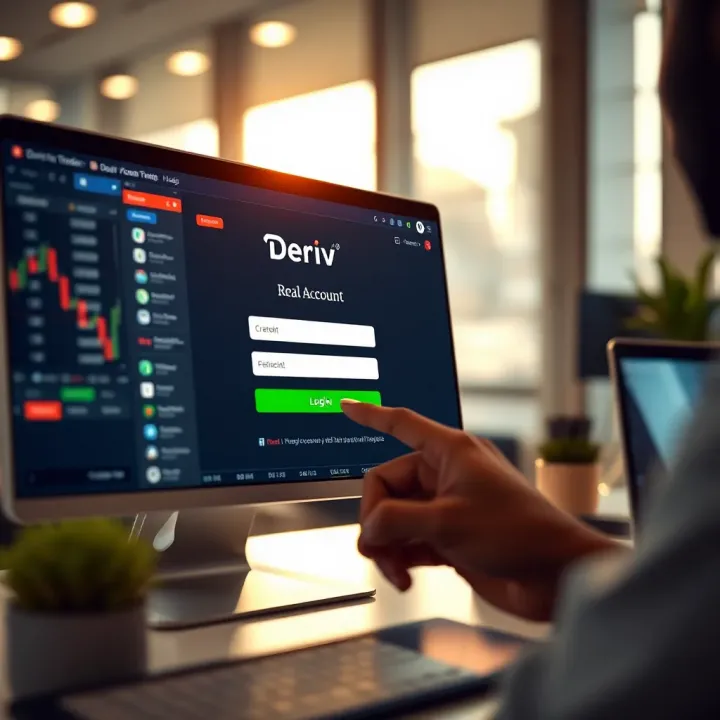
🔑 Master your Deriv real account login with step-by-step tips! From setup to troubleshooting, secure your trading and manage your account smoothly in Kenya.
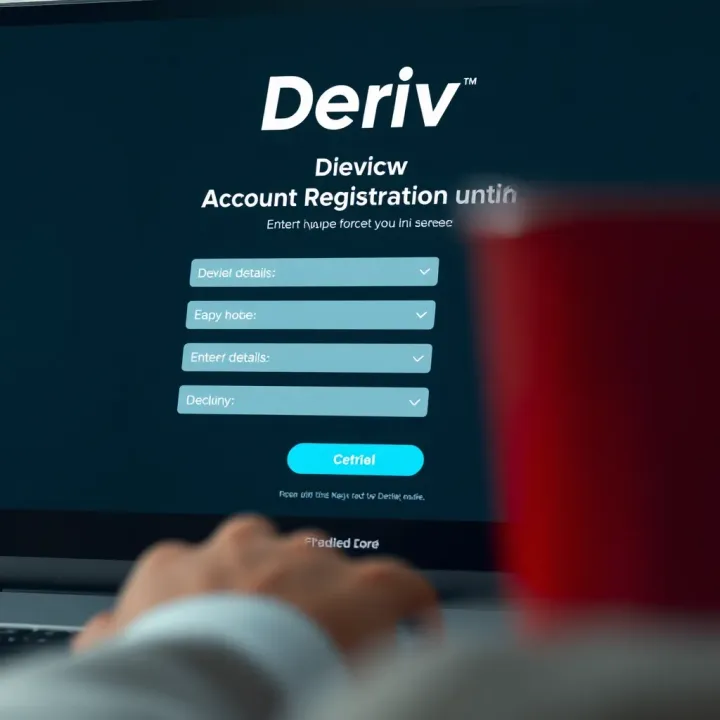
Ready to trade on Deriv? 🇰🇪 Follow this easy, step-by-step guide tailored for Kenyan traders, from sign-up to verification and your first trade! 📈✅
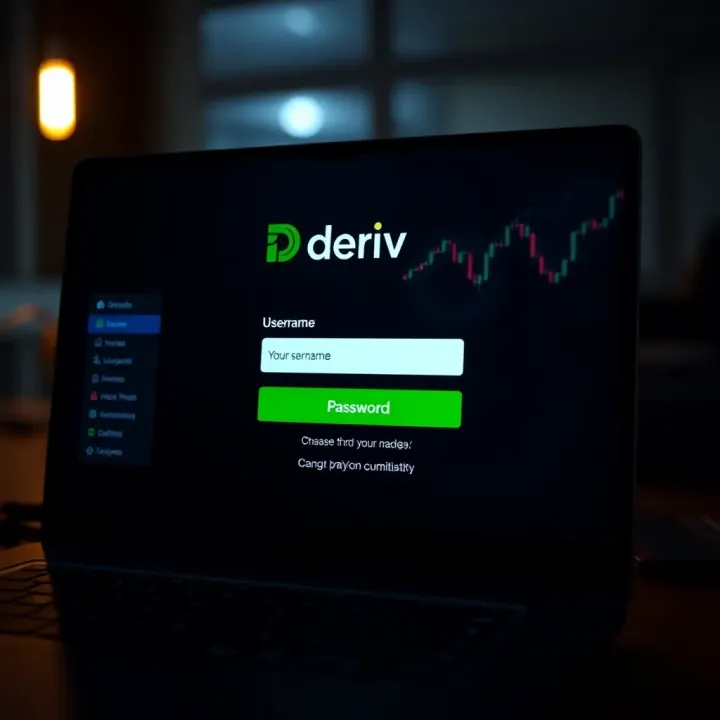
📈 Learn how to sign in to Deriv with ease! This guide covers setup, troubleshooting, security tips, and platform navigation for Kenyan traders. 🔒
Based on 7 reviews